AI Course Builder for Moodle
From source material
to an editable
Moodle course.
Generate course outlines, activities and supporting images from your documents. Review with your experts and publish directly in Moodle.
AI Course Builder
Your expertise.
A course you can own.
Generate a draft, refine it with your experts and publish directly in Moodle.
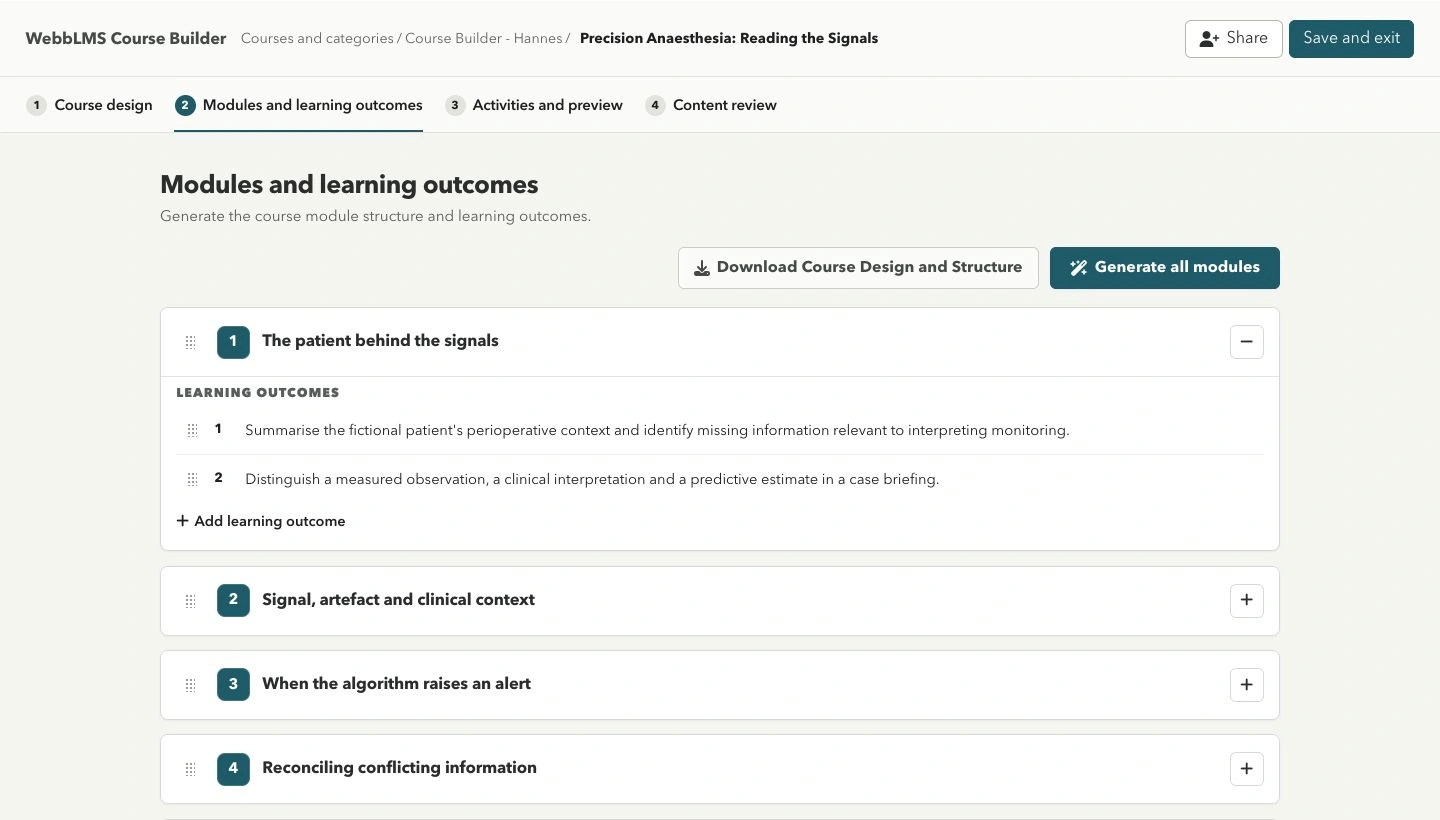
Explore the four-step workflow
01 / Begin with purpose
Your material.
Your learning approach.
Upload source documents and define the audience, purpose, duration and approach. Your organisation’s preset provides a consistent starting point, with room to adjust.
Good course design starts before content generation.
A case-based course on perioperative context, monitoring evidence and clinical reasoning.
Anaesthesia registrars and qualified anaesthetists
Anaesthetic physiology and routine perioperative monitoring
Native Moodle outputs Pages & Books · Quizzes & Assignments · Forums & Feedback · Mastery Checks
Your team retains responsibility for subject accuracy and publication approval.
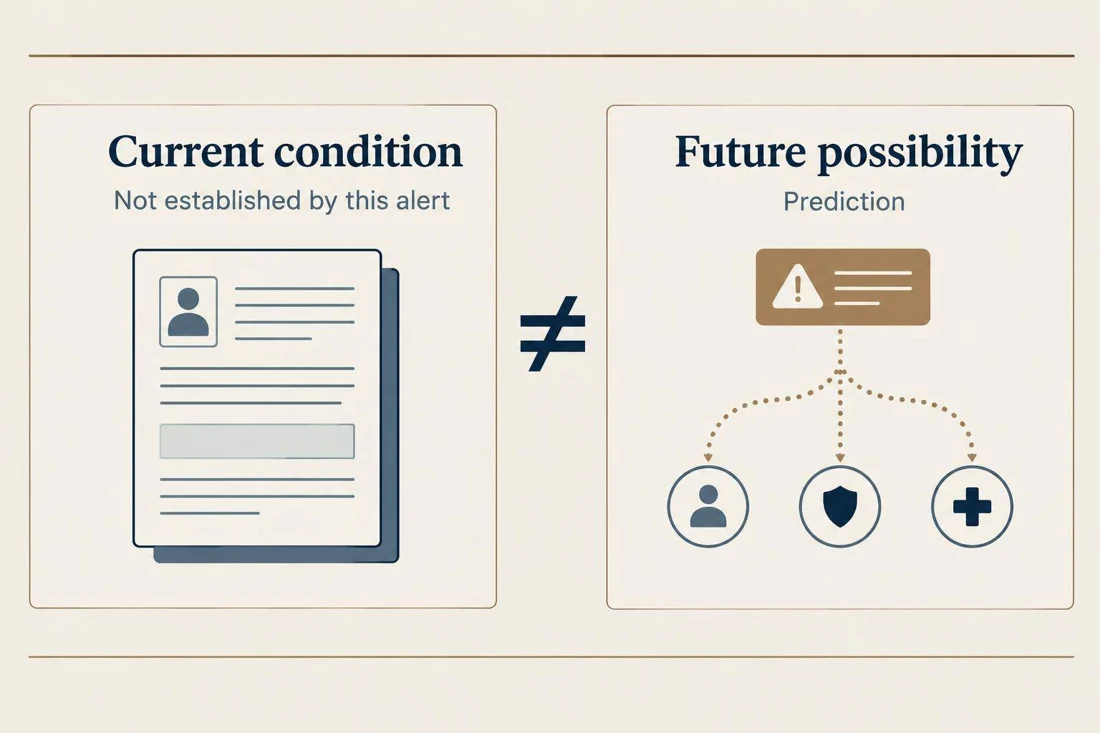
Course imagery, built into the workflow
Images to support your course.
Create supporting images using your brand guidance, review them alongside your content and insert them into Moodle. These examples come from our fictional Aster College course.


Tools, configured around your team
Setup, training
and ongoing support.
We configure the course structure, activity guidelines and visual direction around your team. We agree the setup, onboarding, AI usage and ongoing support with you.
If you need help preparing source material or producing the course itself, we can include that work in the conversation.
Support learners once your course is live with the AI Tutor for Moodle.
Explore a better Moodle experience ↗Discuss AI Course Builder
See how it works
with your content.
Talk with us about your source material and course goals. We’ll explore how Course Builder could fit your workflow.